There is a reason apps with widgets keep going viral, and it is not because WidgetKit is interesting to engineers.
The lock screen is the most valuable surface on the phone. People glance at it all day — to check the time, to dismiss a notification, to see whether they can still ignore their messages. If your product lives there, you do not need a reminder campaign to be remembered. You are already in the way.
That is the demand. The hype is what happens when someone screenshots that glance and posts it.
The widget is the billboard
Most apps have to earn a session. They need a notification, a habit, a reason to open the icon. A well-designed widget flips that. The session is the glance. The App Store screenshot is the glance. The TikTok is the glance. The product and the marketing are the same picture.
That is a huge advantage if you are trying to stand out in a category full of feature lists. "Learn Japanese" is a crowded promise. "The kanji you are studying, sitting next to the clock" is a picture. Pictures travel.
It is also why so many mediocre widget apps still get a spike. The format is doing part of the selling. The ones that last are the ones where the widget is not a sticker on the side of the app — it is the reason the app exists.
Kanji Loop was built around that glance
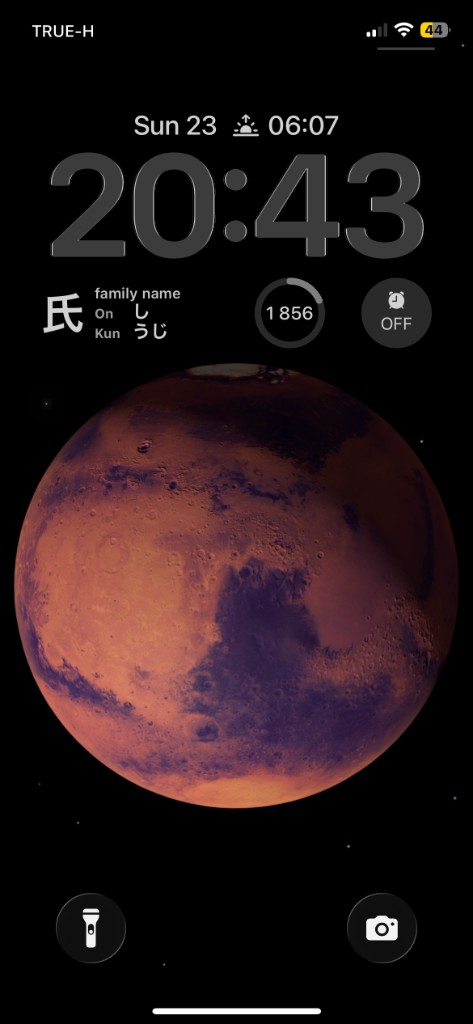
Kanji Loop is a Japanese-learning app, but the home screen is not the product. The product is a widget on your iPhone, iPad or Apple Watch that cycles the characters you are actually learning — kanji, readings, meaning — onto the screen you already look at fifty times a day.
You pick the characters. The widget rotates them on its own. Inside the app there are bonus exercises, but they are generated from whatever is currently on the loop. The study happens in the gaps. Opening the app is optional.
That gives you a marketing loop most language apps would pay for:
- The lock screen looks distinctive. People screenshot their own phones.
- The App Store listing can lead with that screenshot instead of a carousel of settings screens.
- Anyone who installs still has to put the widget on their lock screen — so onboarding has one job, and it is visible.
- Once it is there, the app keeps showing up without burning notification permission to do it.
A feature list cannot do that. A widget can.
Hype is real. Shipping the widget is the actual work.
The demand is not imaginary. Lock screen widgets, home screen widgets, Apple Watch complications — they have been one of the few ways for a small app to look native and look new at the same time. People search for them. People copy them. People install something because the screenshot made their own lock screen look unfinished.
What the hype skips is that a widget is not a screenshot with an API behind it.
It has to update on a timeline you do not fully control. It has to stay in sync with the subscription the user bought in the app. It has to work on iPhone, iPad and Watch without becoming three different products. It has to be readable at a glance, in Light and Dark, next to a clock, on a wallpaper you did not choose. If the widget is empty, wrong, or a day behind the study list, the marketing promise is a lie that sits on the user's lock screen until they delete you.
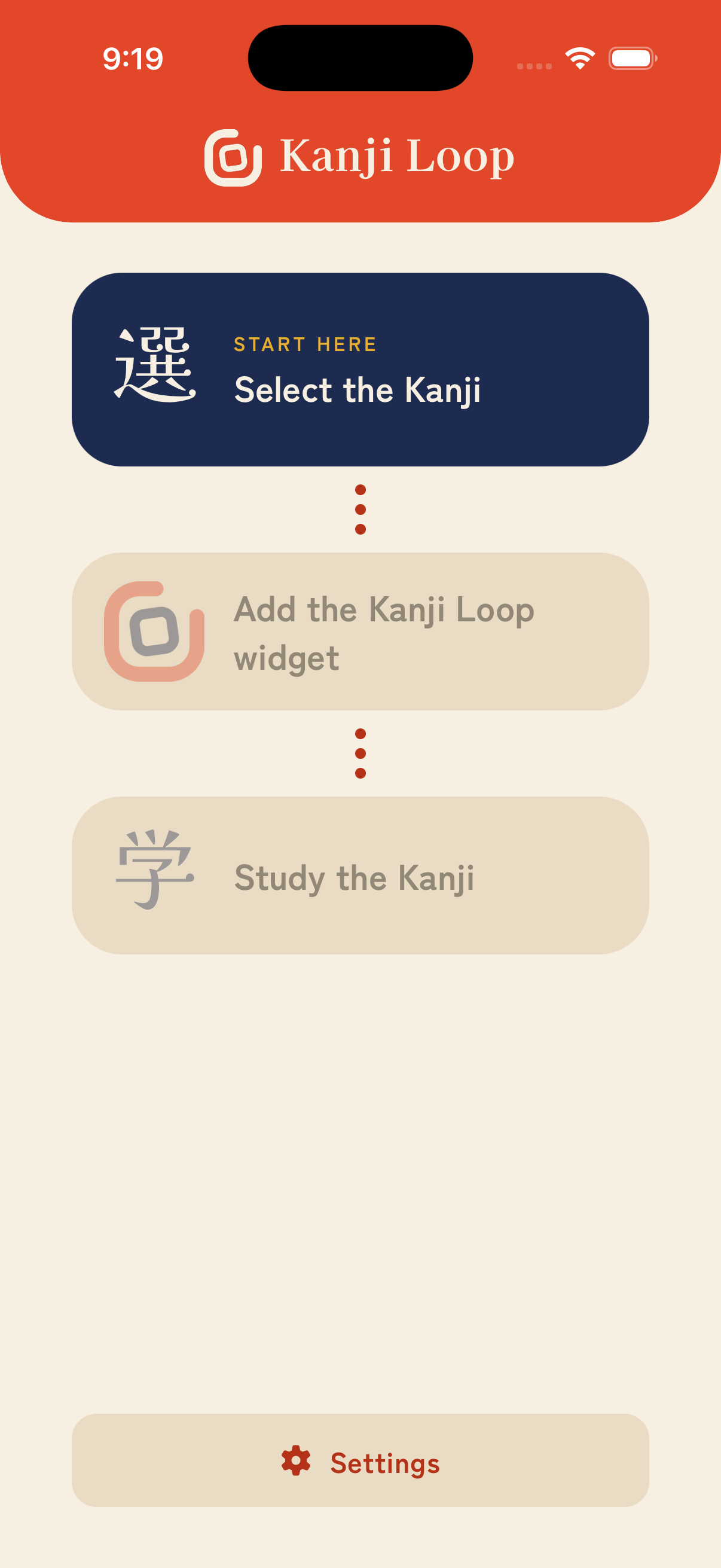
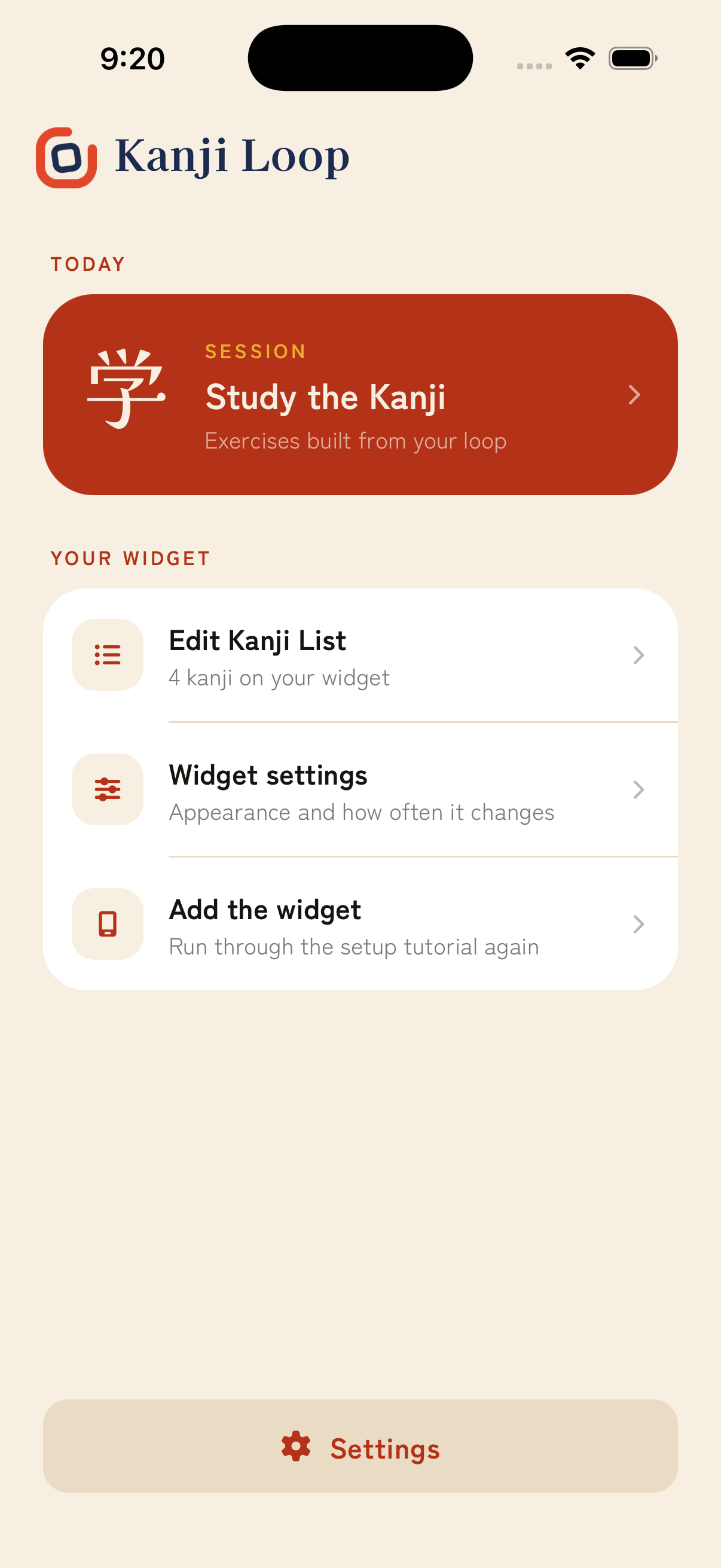
Kanji Loop's onboarding is built around that risk: tap the kanji you already know, choose what goes on the loop, add the widget, then study. The exercises inside the app — readings, meanings, compounds — only exist to reinforce what is already on the screen. The widget is not a teaser for the app. The app is support for the widget.
What I would bet on again
If I am launching a consumer app in a crowded category, I would rather have one unforgettable surface than ten extra features. A widget is that surface, as long as you treat it as the product and as the campaign.
That means designing the glance first. It means making the App Store screenshot honest, because it is just a photo of the product in the wild. It means spending engineering time on WidgetKit, Watch, entitlements and onboarding instead of assuming "we'll add a widget later" will produce the same effect.
Kanji Loop is the version of that bet I actually built — a Japanese learning app that earns its place next to the clock, and a marketing story that does not need to be invented because the lock screen already tells it.